User-Level vs Project-Level MCP Servers
Copy page
Understand the difference between user-level and project-level MCP servers and how they affect your team workflow
Overview
When creating a new MCP server in the Inkeep Cloud Visual Builder, you can choose to configure it at the user-level or project-level.
Understanding the difference between these two types is important for managing your team's access to agents and their associated tools.
User-Level MCP Servers
User-level MCP servers are configured per individual user. When you create a user-level MCP server, each team member must authenticate with their own credentials to use the associated tools.
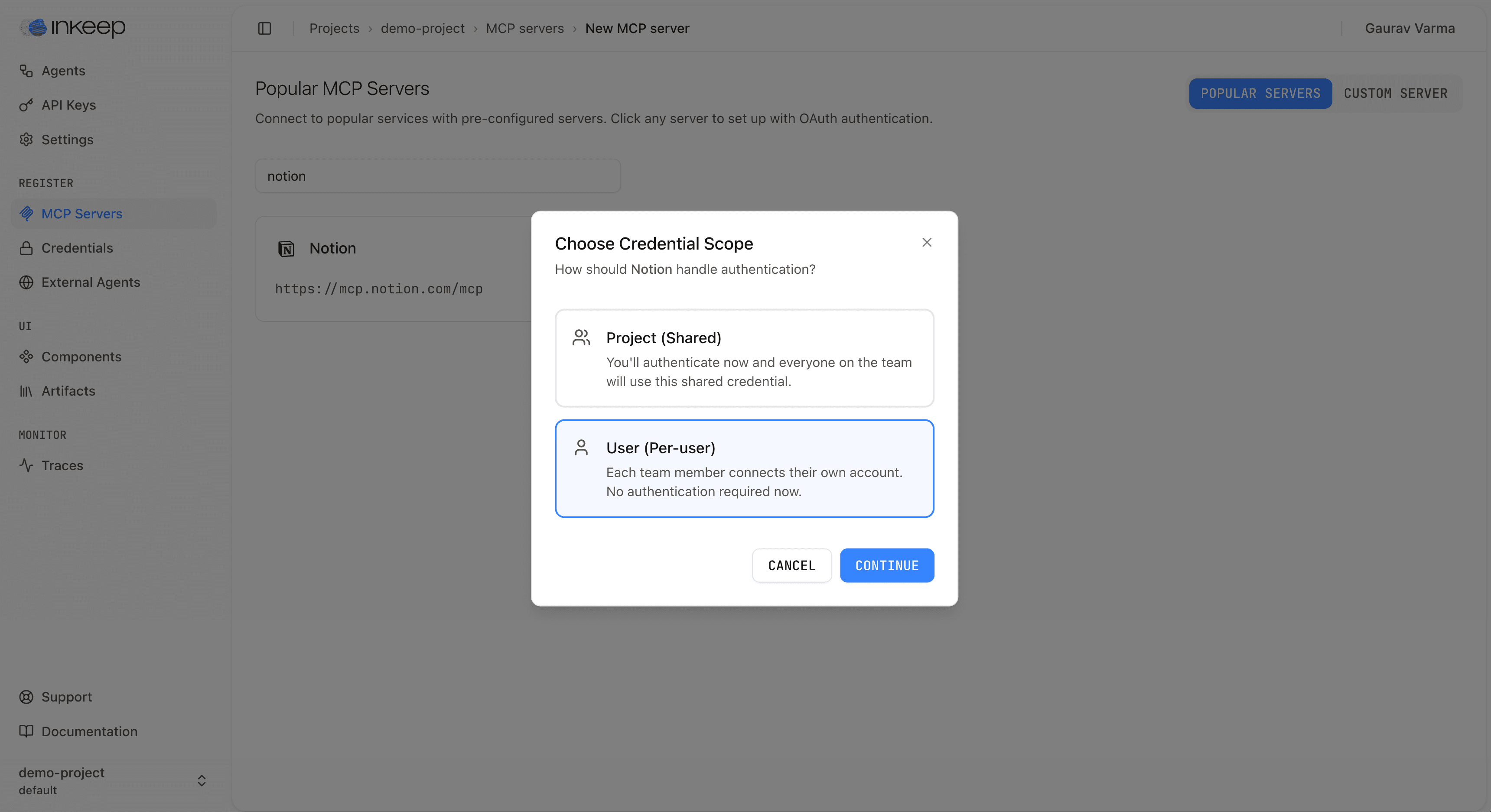
Benefits
- Personal accounts: Team members can use their own accounts (e.g., their personal Notion workspace, Google Drive, etc.)
- Better security: Credentials are not shared across the team
- Flexible access: Each team member can connect to different resources based on their own permissions
Considerations
- Individual authentication required: Each team member must authenticate their own credentials before using an agent that relies on user-level MCPs
- Setup overhead: New team members need to complete authentication before they can use shared agents
Project-Level MCP Servers
Project-level MCP servers use shared credentials that are configured at the project level. All team members in the project can use these servers without individual authentication.
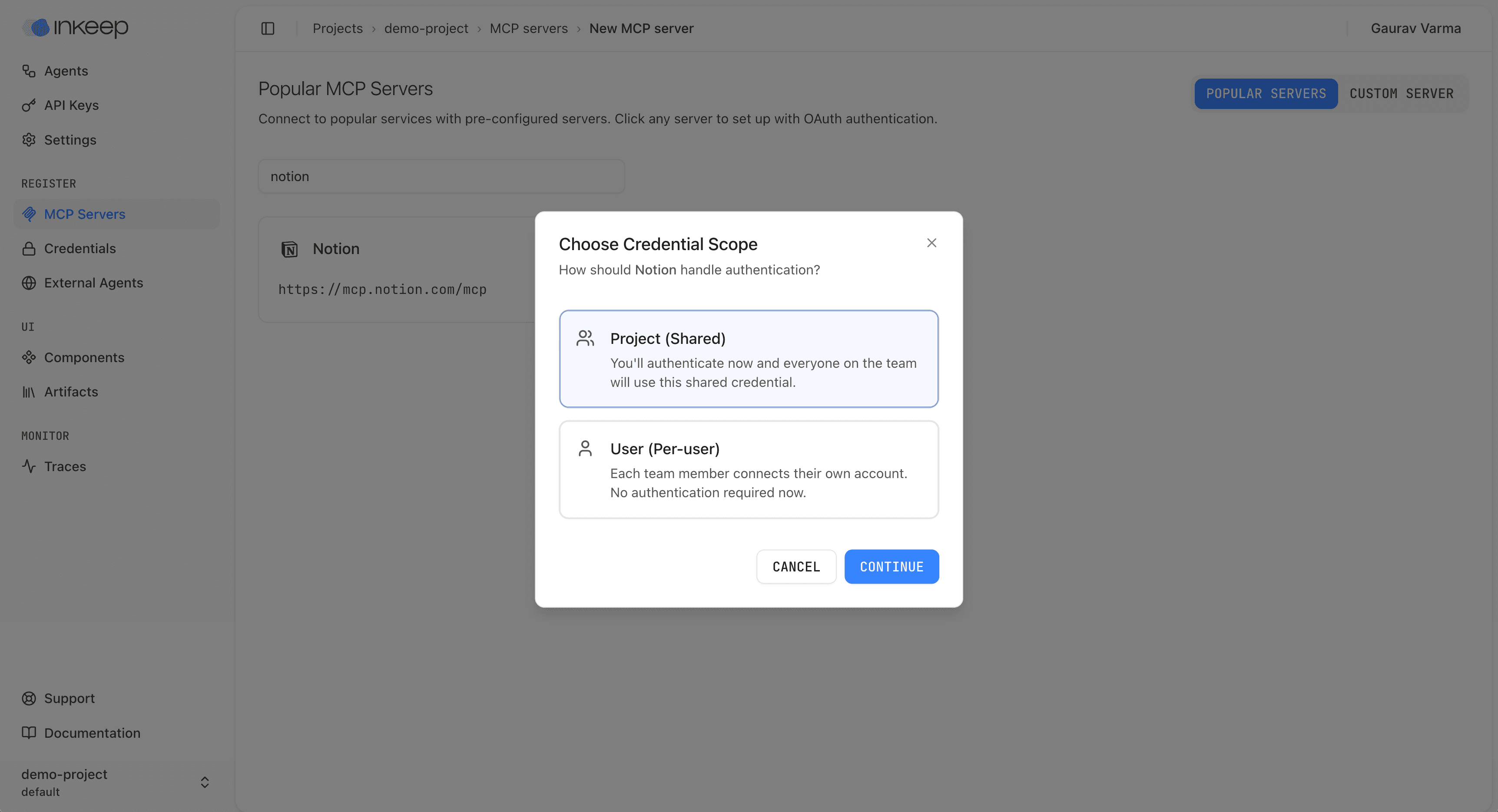
Benefits
- Shared access: All team members can immediately use agents without additional setup
- Simplified onboarding: New team members can start using agents right away
- Centralized management: Credentials are managed in one place
Considerations
- Shared credentials: All team members use the same account, which may have security implications
- Limited flexibility: Team members cannot use their own accounts or personal resources
When Sharing an Agent
When sharing an agent with your team, they'll need to authenticate their own credentials for any user-level MCPs before being able to use the agent. Make sure to communicate this requirement to your team members.